
Koruma, Tatil Modu ve Hesap
Başlangıç koruması, tatil modu kuralları, hareketsizlik ve hesap güvenliği.
Oyun sen çevrimdışıyken de sürdüğü için, gerçek hayatta ara vermen gerektiğinde hesabını koruyacak kurallar vardır.
Başlangıç koruması

Yeni oyuncular varsayılan olarak yetmiş iki saat saldırıya kapalıdır. Süre dünya kurallarında ayarlanır. Koruma karşılıklıdır: bu sürede sana saldırılamaz, sen de saldıramazsın. Koruma bittiğinde şehrinin bir savunması olduğundan emin ol.
Tatil modu
Uzun süre giremeyeceksen tatil modunu planlarsın. Kurallar şöyledir.
- Tatil modu anında başlamaz. Talepten sonra varsayılan olarak on iki saat gecikmeyle devreye girer; böylece saldırı alırken kaçış yolu olarak kullanılamaz.
- Yoldaki askeri hareketlerin varsa başlangıç, onların tamamlanmasına göre otomatik olarak ötelenir.
- En az kırk sekiz saat, en fazla yedi yüz yirmi saat (otuz gün) planlayabilirsin.
- Plan devreye girmeden iptal edilebilir. Aktif tatil modu erken bitirilemez.
- Tatil süresince yeni oyun işlemleri kapalıdır: saldırı, üretim emri ve ticaret yapılamaz.
Bazı dünyalarda tatil modu tamamen kapalı olabilir; dünya kurallarından kontrol et.
Hareketsizlik
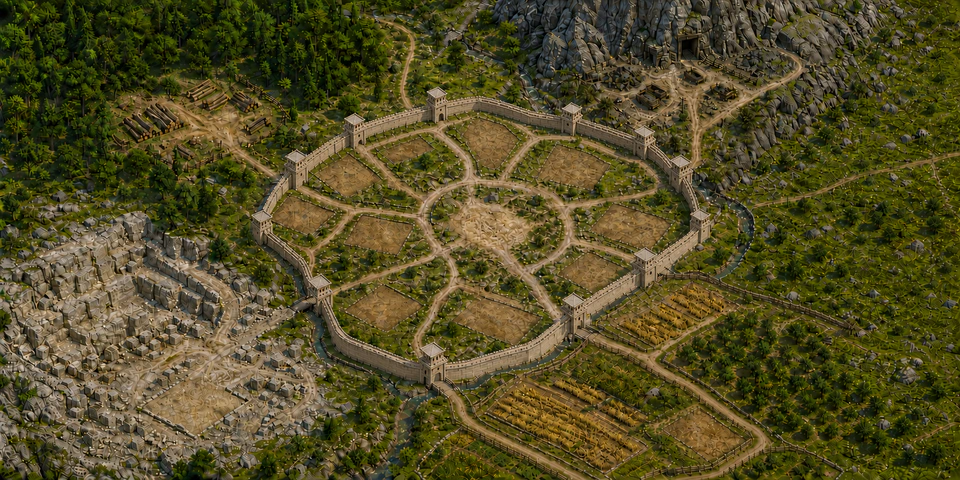
Uzun süre hiç giriş yapılmayan hesaplar bir süre sonra terk edilmiş sayılır; varsayılan eşik kırk beş gündür. Ara vereceksen tatil modunu kullan, hesabını öylece bırakma.
Hesap güvenliği
- Şifreni kimseyle paylaşma. Hesabını "birkaç gün oynayıver" diye devretmek, oyunun en sık kural ihlali kaynağıdır.
- Aynı cihazdan birden fazla hesap açmak risk sinyali üretir. Sistem paylaşılan kurulum ve paylaşılan bildirim anahtarını fark eder ve hesabı incelemeye alır.
- Otomatik sinyaller tek başına ceza değildir; yalnız inceleme önceliği üretir. Kararı yönetim verir.
- Hesabını silmek istersen ayarlar ekranından talep edebilirsin. Silme talebi geri alınabilir.
Bildirim tercihleri
Saldırı uyarısı, klan mesajı ve destek yanıtı gibi bildirimleri ayarlar ekranından açıp kapatabilirsin. Sınırda oynuyorsan saldırı bildirimini kapatma; oyun içi en değerli erken uyarı odur.